TimeSnap 1.3.0 (.deb)
A downloadable tool for Linux
TimeSnap 1.3.1 Coming soon.
I’m currently packaging TimeSnap 1.3.1 to fix a dependency issue discovered on fresh Linux installs.
This is a small but important stability update.
Thanks for the reports and patience — update coming soon.
TimeSnap 1.3.0 Released
TimeSnap 1.3.0 is now available.
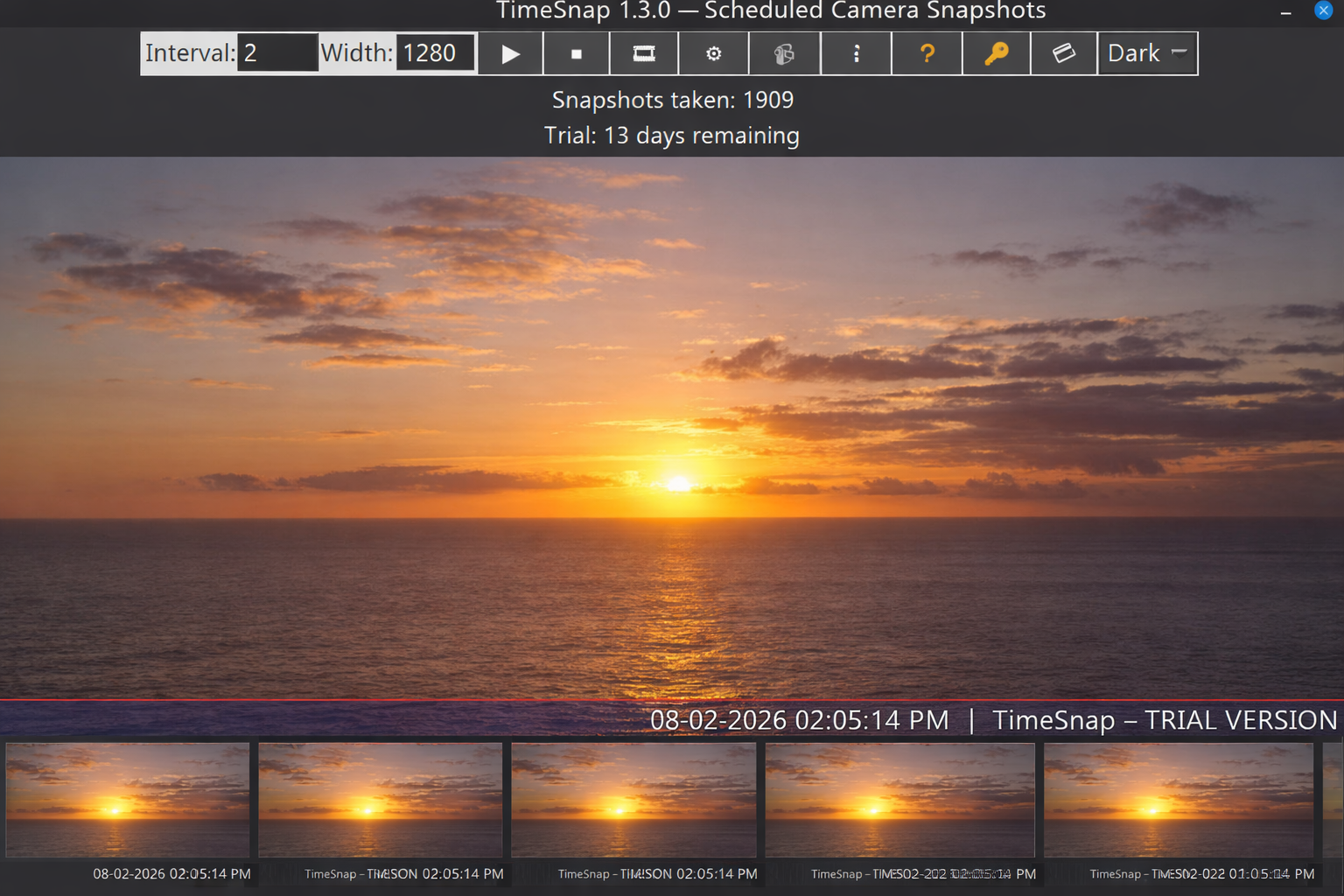
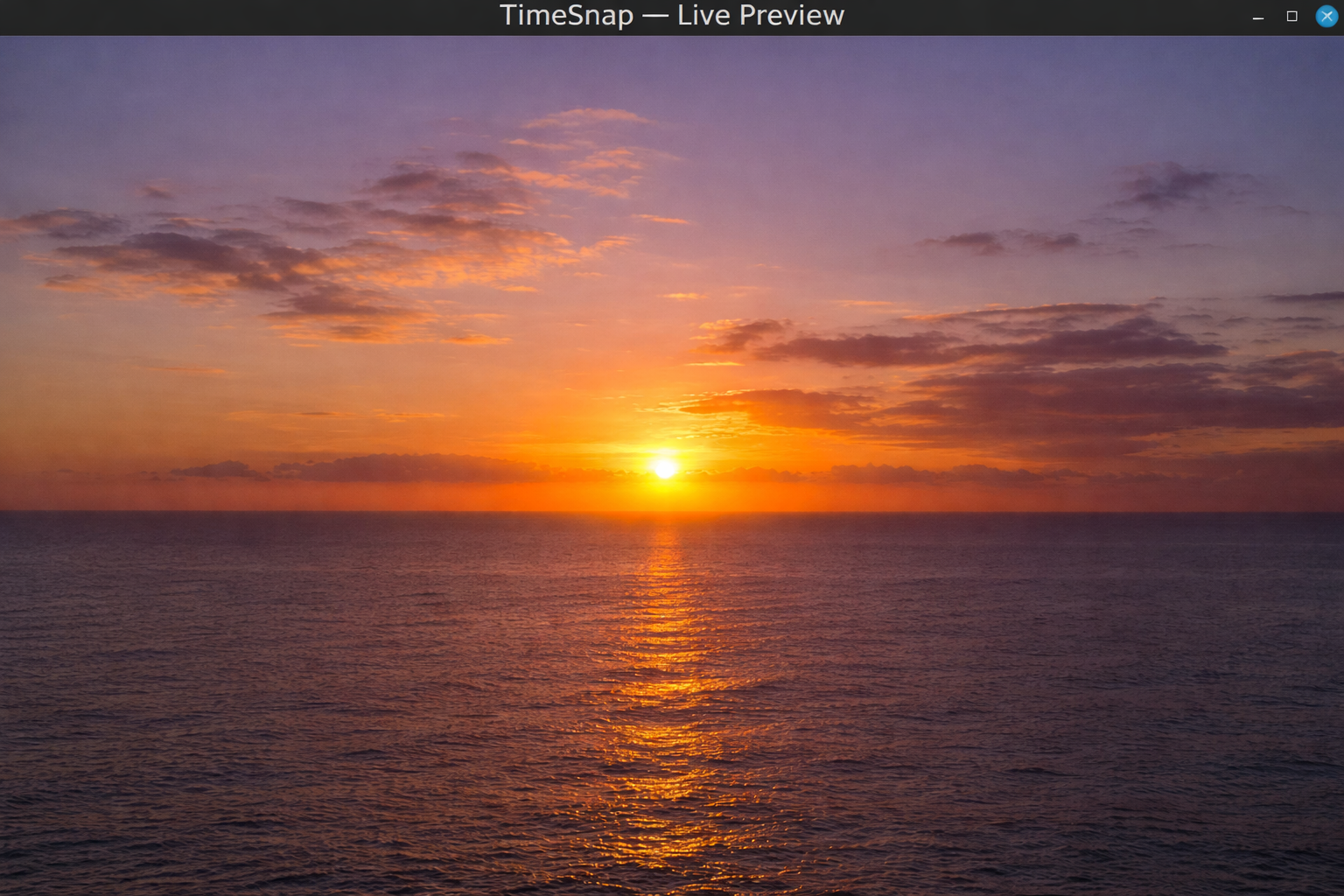
This release focuses on usability, clarity, and polish, making it easier to see and inspect what TimeSnap is capturing while it runs.
What’s new in 1.3.0
- A new snapshot thumbnail strip shows your most recent captures
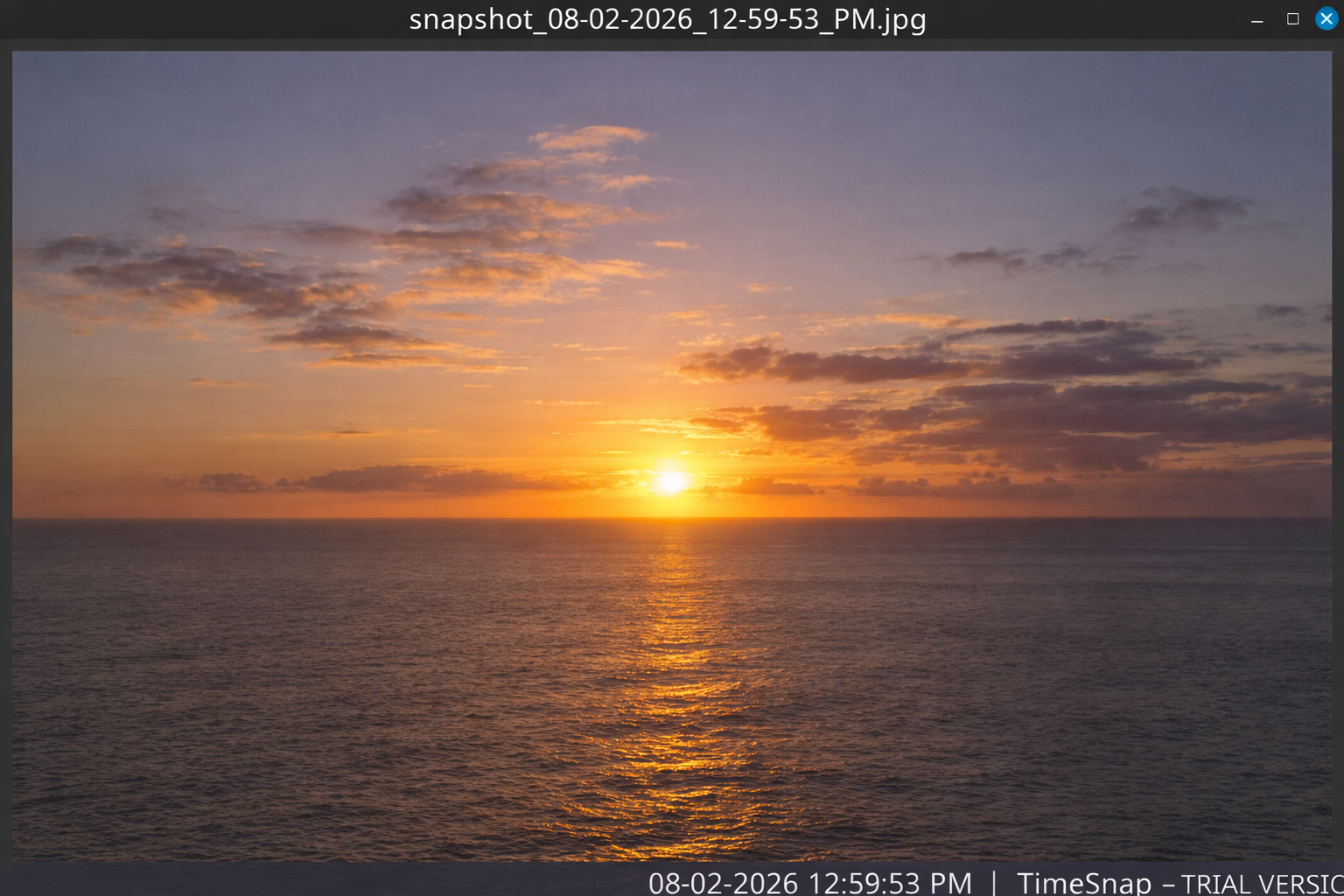
- Thumbnails are clickable to view full-size images
- Hover feedback and tooltips make interactions clearer
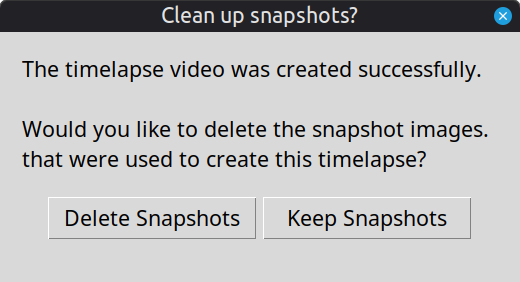
- Improved timelapse completion flow with optional snapshot cleanup
- General UI polish and stability improvements
These changes are designed to improve day-to-day use without adding complexity or changing existing workflows.
As always, TimeSnap remains focused on being a simple, reliable Linux timelapse tool that stays out of the way and does its job well.
Thanks to everyone using TimeSnap and sharing feedback it directly shapes future updates.
Shane Blackburn.
Download
Install instructions
Installation (Linux Mint / Ubuntu / Debian-based systems)
1. Download the TimeSnap .deb file
2. Double-click the file
3. The Software Manager will open
4. Click Install
Once installed, launch TimeSnap from your Applications menu.
Notes:
• A webcam is required for snapshot and timelapse capture
• TimeSnap uses system tools (ffmpeg, fswebcam) which are installed automatically if needed
• A 14-day trial is included — no account or internet connection required
Snapshots are saved to:
~/snapshots/YYYY-MM-DD/
Development log
- TimeSnap 1.3.021 hours ago